
01
Sterile processing
From the first scan to the final count.
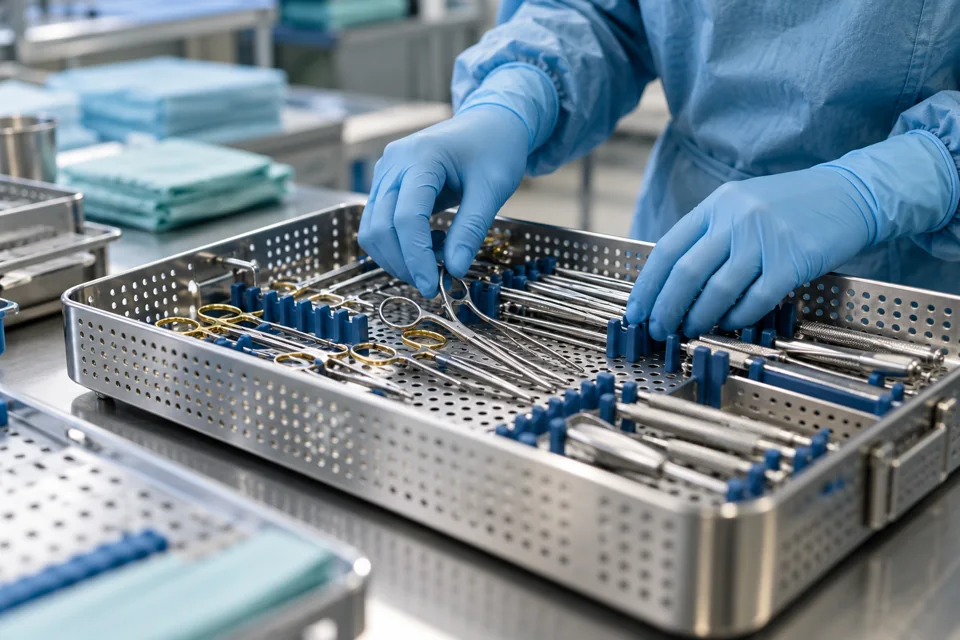
Receive in decontam; assemble child kits; record instrument counts, photos and missing items; create ad hoc SSK kits and print assembly labels.
Explore this capability →Bring daily processing tasks and operational records together, with facility configuration and access that follow each person’s role.
Receive in decontam; assemble child kits; record instrument counts, photos and missing items; create ad hoc SSK kits and print assembly labels.
Explore this capability →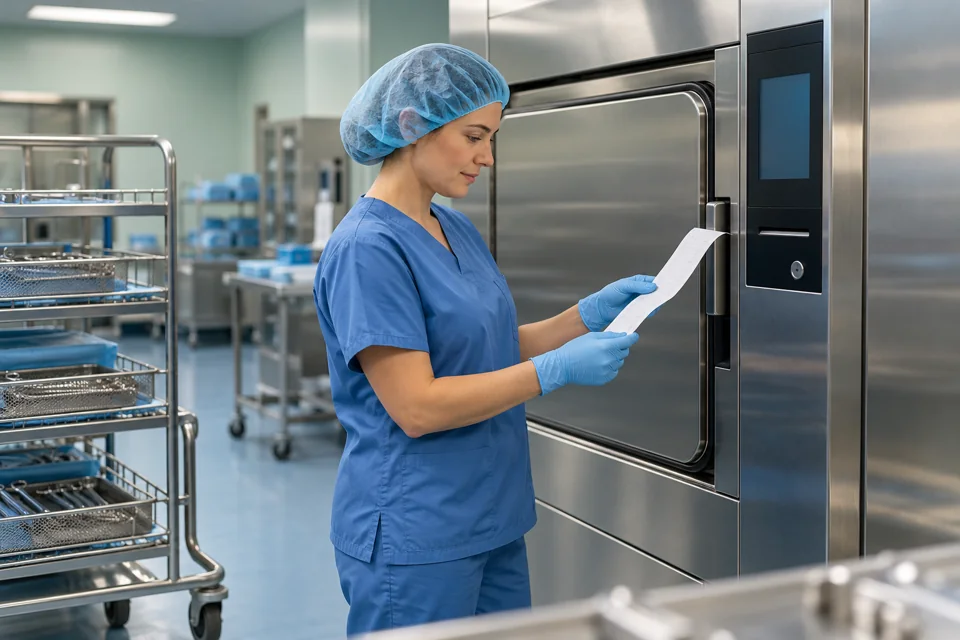
Create and lock loads, scan packed assemblies, select sterilizers and cycles, capture sterilizer printouts, print load reports, record failures and manage biological quarantine results.
Explore this capability →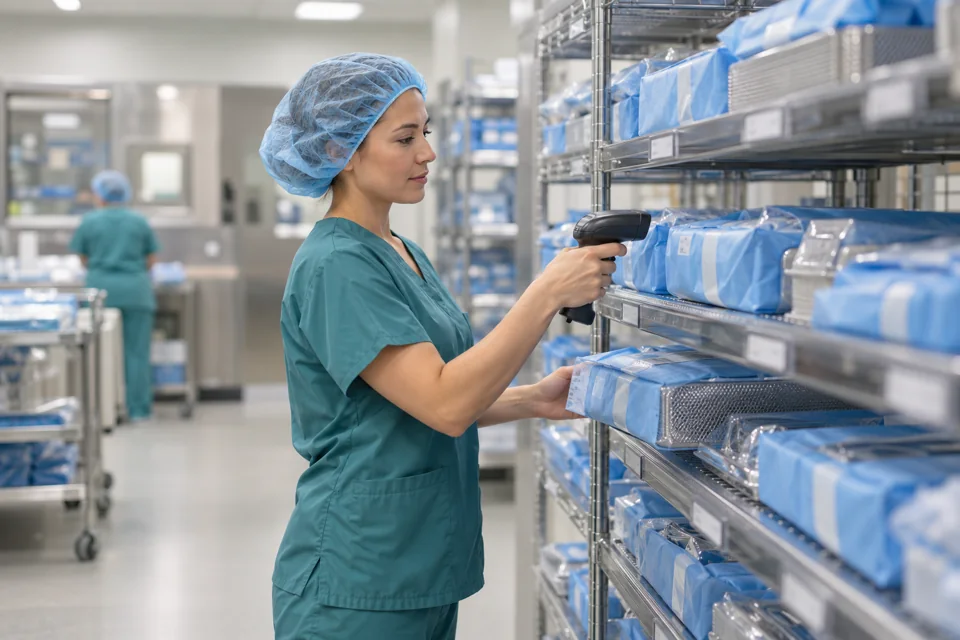
Locate sterile assemblies, scan put-away destinations, move stock, perform slot stocktakes and search by kit, lifecycle, load, patient or location.
Explore this capability →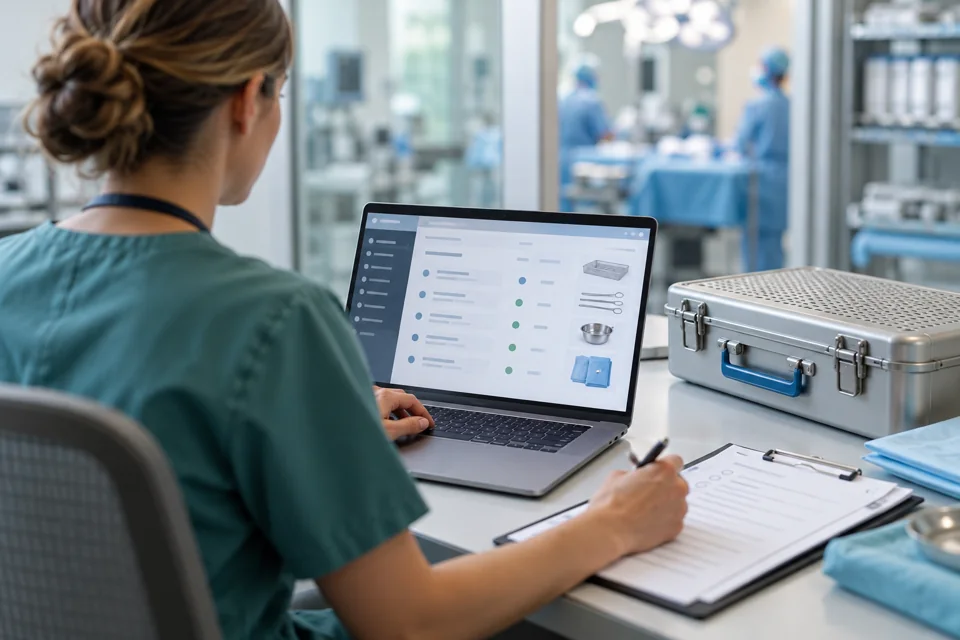
Manage surgeon- and procedure-specific preference cards, define kit quantities, pick actual assembly UIDs to cases or carts, and record immediate OR-to-decontam return counts when enabled.
Explore this capability →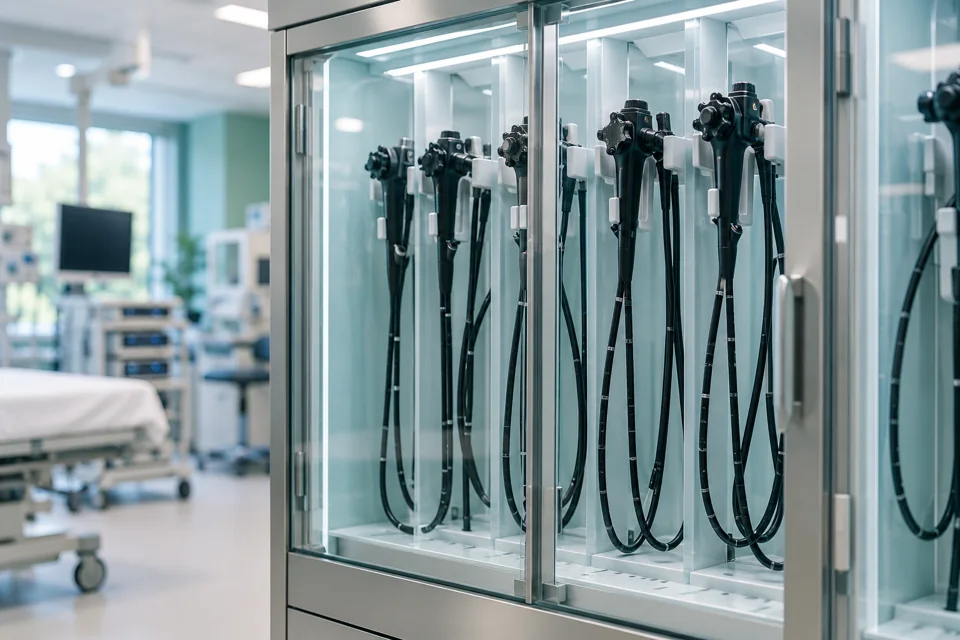
Record scope visits, HLD, leak and channel checks; complete checklists, print hang tags and manage cabinet hooks with storage-life indicators.
Explore this capability →
Manage loan-set receiving around procedure dates, identify sets with reusable tags, follow packing and processing, and complete shipping and sign-out with facility-configured HLD confirmation.
Explore this capability →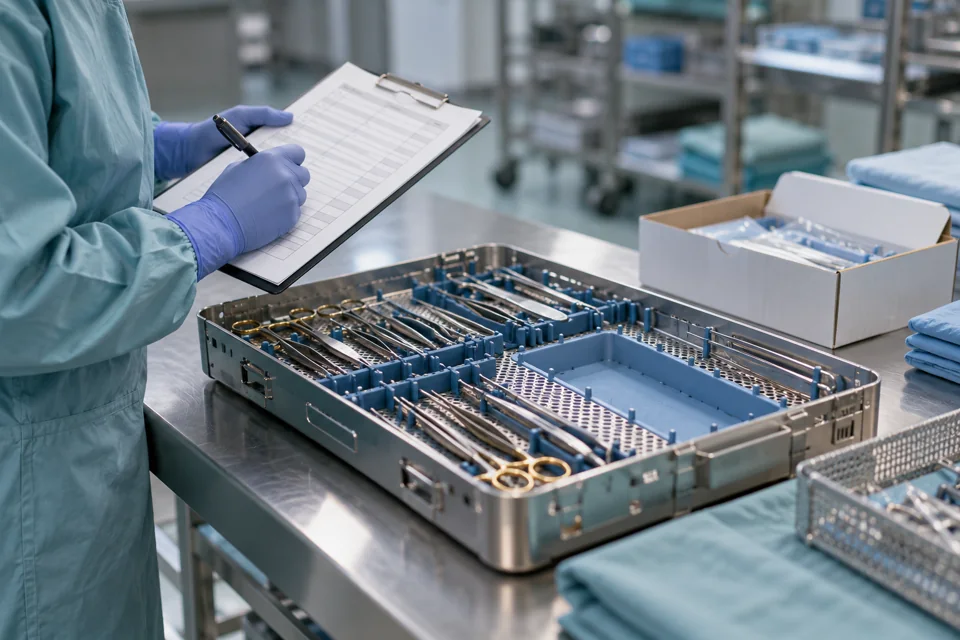
Build RFPs from exceptions, manage vendors, follow order status, attach PO and invoice documents, and review instrument pricing history.
Explore this capability →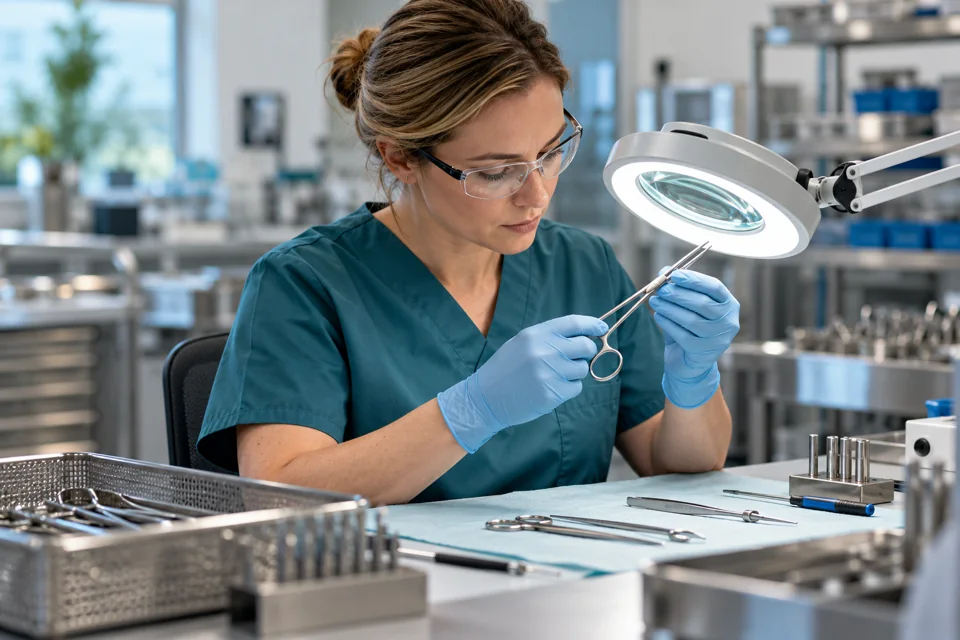
Use maintenance counters and configured warnings to plan service around recorded use. Take kits out of packing during repair, manage vendor shipping and receiving, and review maintenance costs to assess repair and replacement decisions.
Explore this capability →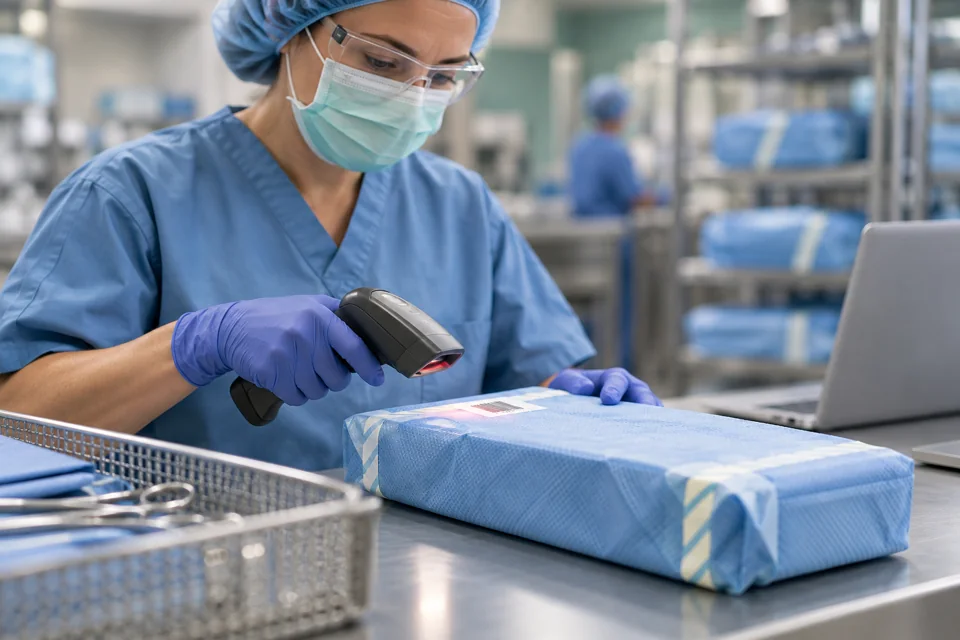
Each new packing creates a unique assembly UID, distinct from the kit identifier. Follow that lifecycle from packing through processing, location, case allocation and decontam. Search assemblies by UID, kit, load, patient or location. Review packing, staff activity, turnaround, OR, scope, exceptions and maintenance reports; export CSV.
Explore this capability →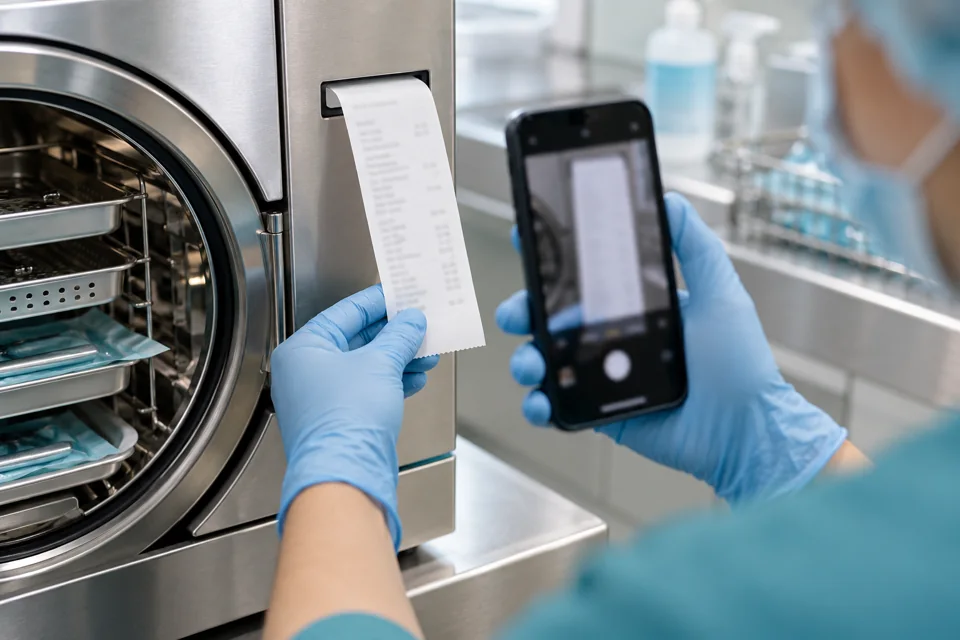
Use the SurgiDat mobile app and capture sterilizer printouts as part of the agreed facility workflow. Review captured evidence with the relevant processing context.
Explore this capability →
Add optional machine-level condition monitoring and IIoT temperature and humidity reporting to support equipment and environmental review. PHOENIX is separately scoped from SurgiDat kit and tray operations.
Explore this capability →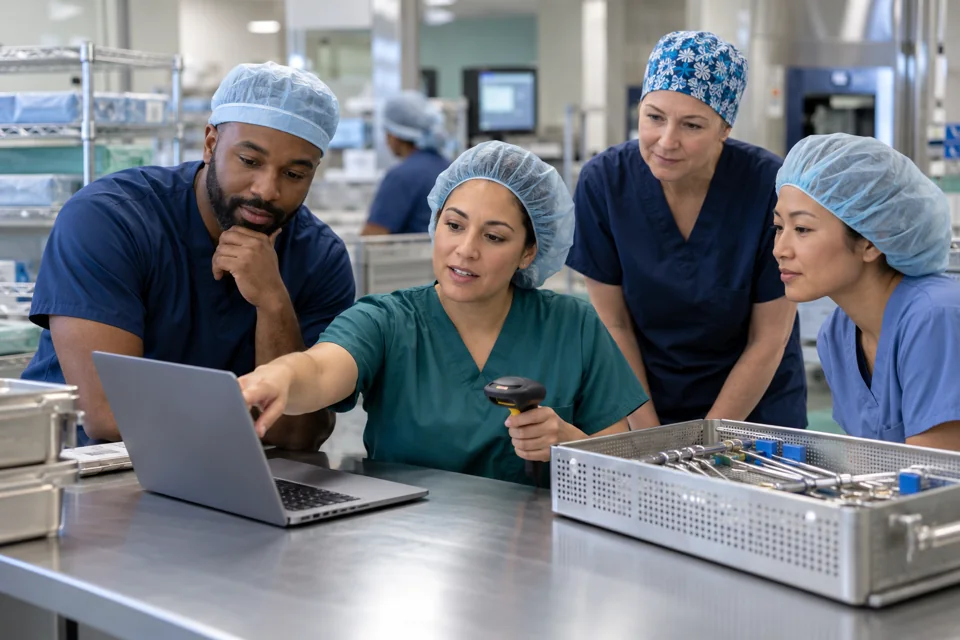
Configure facility fields, kits, locations, printers, sterilizers and combined user roles. Support English/Spanish operation and HL7 patient updates and OR bookings.
Explore this capability →No matching capabilities. Try another search.
Facility settings control visible case and visit fields, processing options and access to selected load changes. Built-in and custom roles determine the menus people use.
The application supports English and Spanish. Discuss printer hardware, local drivers, interfaces and your facility’s requirements during implementation.
Let’s walk through your process, your pressure points,
and what a connected workflow could look like.
This section expands JavaScript-driven demos and filters so crawlers can index the full workflow text.
Opens and closes the main navigation on small screens.
Filters capability cards by keyword; all capabilities remain in HTML with data-search attributes.