
SURGIDAT SERENITY

Behind every
ready OR,
a connected team.

Bring sterile processing, surgical teams, and instrument management into one connected workflow. Every newly packed kit receives a unique lifecycle assembly UID—connecting its processing, location, and case allocation for audit and tracing.
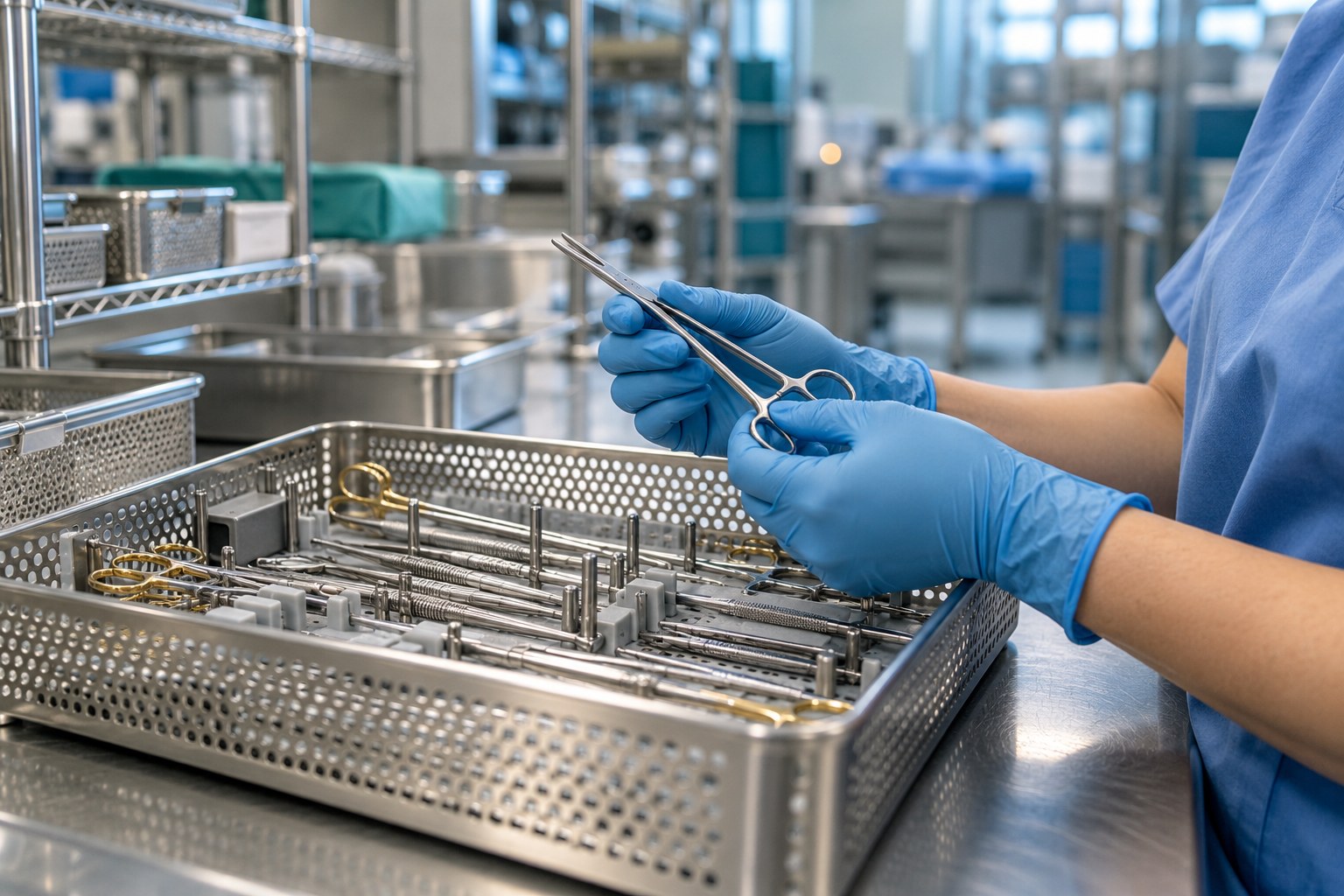
A unique assembly identity for every packing lifecycle.
Gloved technician inspecting instruments over a surgical tray in a sterile processing assembly areaTHE PEOPLE BEHIND PATIENT READINESS
CONNECTED WORKFLOW Illustration

One tray. A complete journey.

✓
Assembled & countedInstrument contents recorded
✓
Processed & releasedLoad and release records linked
↗
Located & ready to pickStock location visible to the team
ONE CONNECTED PICTURE
Sterile processing+Operating room+GI & endoscopy+Instrument operations+Maintenance & repair+Condition monitoring+Loan set management+Stock & distribution+Case carts & picking+Preference cards+Sterilization & release+Purchasing & missing items+Assembly traceability+Reporting & productivity+Mobile capture+HL7 & integrations
LESS SEARCHING. MORE KNOWING.

The next case starts
long before the OR.

Readiness depends on many handoffs. SurgiDat links the work behind each tray, helping teams see the status, follow the process, and find the record.

01

What’s ready?

See assembly lifecycle and stock location, then pick identified trays to the surgical case.

02

What needs attention?

Follow missing items, quarantine results, unavailable kits and purchasing exceptions.

03

Can we trace it?

Connect assembly identification with processing loads, stock locations and case allocation.

FOLLOW THE JOURNEY

One workflow.
Every important handoff.

Explore the full workflow →
BUILT AROUND YOUR TEAM

Different roles.
A shared picture.

Start with the work your team does every day. Explore how SurgiDat supports the people who keep instruments and cases moving.

PROTECT THE INSTRUMENT. SUPPORT THE PATIENT.

Catch the discrepancy.
Control the cost.

Connect maintenance by use, missing-item management and immediate OR-to-decontam counts with preference cards and stock control.

01 / MAINTENANCE BY USE

Service based on use.

Follow configured maintenance counters and warnings, record repairs and review costs. Plan service with visibility into use and availability.

02 / MISSING ITEMS

Spot shortages. Act sooner.

Record missing instruments, follow exceptions into purchasing and assess avoidable replacement costs. Keep the shortage connected to the operational record.

03 / OR TO DECONTAM

Count at the handoff.

Capture immediate return counts directly from the OR into decontam. Reconcile discrepancies sooner to help reduce lost items and support retained-item risk reduction alongside the surgical count process.

04 / PREFERENCE CARD MANAGEMENT

Plan what the case needs.

Manage surgeon and procedure requirements, kit quantities and case picking. Keep the planned requirement distinct from the assemblies actually picked.

05 / STOCK CONTROL

Locate the available assembly.

Track lifecycle status and stock locations, scan distribution and moves, and perform location stocktakes before filling case requirements.

06 / MEASURABLE VALUE

Make savings reviewable.

Review losses, repair spend, emergency purchases and time spent resolving discrepancies. Establish a facility baseline and measure changes rather than assuming savings.

Read the area-of-excellence white papers →
LOW ON BUDGET? WE CAN HELP.

A scanner. A laptop.
A practical place to start.

Start with packing, loading and release. Or trace assemblies through sterilization, patient case allocation and return to decontam. Grow into full operations and reporting when you are ready.

No annual subscription commitment.
Start and leave when you want.
Find your starting point ↗
MORE OF THE WORK, CONNECTED

Capture the evidence.
Follow the physical handoff.

Extend the operational picture with the mobile app, sterilizer printout capture, and loan-set shipping and receiving.

WHAT USERS SAY

Real experiences.
In their own words.

Customer feedback is being prepared for publication. Explore the workflow and the questions that matter to your team.

Customer perspectives →
WHEN AUDIT IS PARAMOUNT

Same kit. Next packing.
A new lifecycle identity.

The kit identifier tells you which physical kit you have. The assembly UID tells you which specific packing lifecycle you are tracing. Each newly packed kit receives a unique assembly UID.

THE REUSABLE KITKIT-DEMO-01

The physical child kit retains its kit identity.

FIRST PACKING LIFECYCLEASM-DEMO-001

Packing → load → release → location → case → decontam

NEXT PACKING LIFECYCLEASM-DEMO-002

A new assembly UID follows the next journey.

Illustrative identifiers. Case and patient links depend on recorded case allocation.

See what this means for audit and tracing →
+
CONNECTED
BY DESIGN.
MORE THAN A TRACKING POINT

The detail matters.
So does the bigger picture.

Tray contents, scope storage, maintenance, missing instruments and purchasing are part of the same operational story. Bring them into the conversation.

Discover the platform →
START WITH YOUR WORKFLOW

Make readiness
everyone’s business.

Let’s walk through your process, your pressure points,
and what a connected workflow could look like.

Explore SurgiDat with us ↗

Crawler-visible interactive content

This section expands JavaScript-driven demos and filters so crawlers can index the full workflow text.

mobile-nav-toggle

Opens and closes the main navigation on small screens.

workflow-stage-demo

Six-step illustrative tray lifecycle: receive, assemble, process, release, locate, OR use and return.

  1. Receive — Decontamination: Close the previous sterile life. Scan the returning assembly into decontam. Where enabled, capture immediate OR-to-decontam return counts, reconcile missing items and escalate discrepancies under facility policy. (Record: Previous assembly received, UID: ASM-DEMO-001, Lifecycle: Decontaminated, Handoff: Decontam receiving)
  2. Assemble — Packing: Give the next assembly its identity. Identify the kit, complete the count, review a tray photo and record missing instruments. Saving creates a new assembly UID. (Record: New assembly created, UID: ASM-DEMO-002, Lifecycle: Packed, Handoff: Packing station)
  3. Process — Sterilization: Connect the assembly to the load. Choose the sterilizer and cycle, scan packed assemblies onto the load and save the load record. Access to load changes follows facility settings. (Record: Processing load linked, UID: ASM-DEMO-002, Lifecycle: Loaded, Handoff: Example steam load)
  4. Release — Release & quarantine: Follow the cycle's release requirements. For cycles requiring biological quarantine, record setup and biological results in Qten. The release step supports the next handoff to stock. (Record: Release record followed, UID: ASM-DEMO-002, Lifecycle: Released, Handoff: Release / Qten)
  5. Locate — Distribution: Make the location part of the record. Scan the stock destination and assembly UID. Distribute released assemblies to stock and locate them by their recorded shelf or bin. (Record: Stock location recorded, UID: ASM-DEMO-002, Lifecycle: Distributed, Handoff: S01.001.002.003)
  6. Use & return — OR case: Connect the tray to the surgical case. Pick identified assemblies to a case or case cart. After use, capture immediate OR-to-decontam counts to reconcile returns, identify missing items and support discrepancy escalation. Return closes this lifecycle; repacking creates a new assembly UID. (Record: Case allocation linked, UID: ASM-DEMO-002, Lifecycle: Allocated to case, Handoff: Illustrative OR case)