
What’s ready?
See assembly lifecycle and stock location, then pick identified trays to the surgical case.
Bring sterile processing, surgical teams, and instrument management into one connected workflow. Every newly packed kit receives a unique lifecycle assembly UID—connecting its processing, location, and case allocation for audit and tracing.
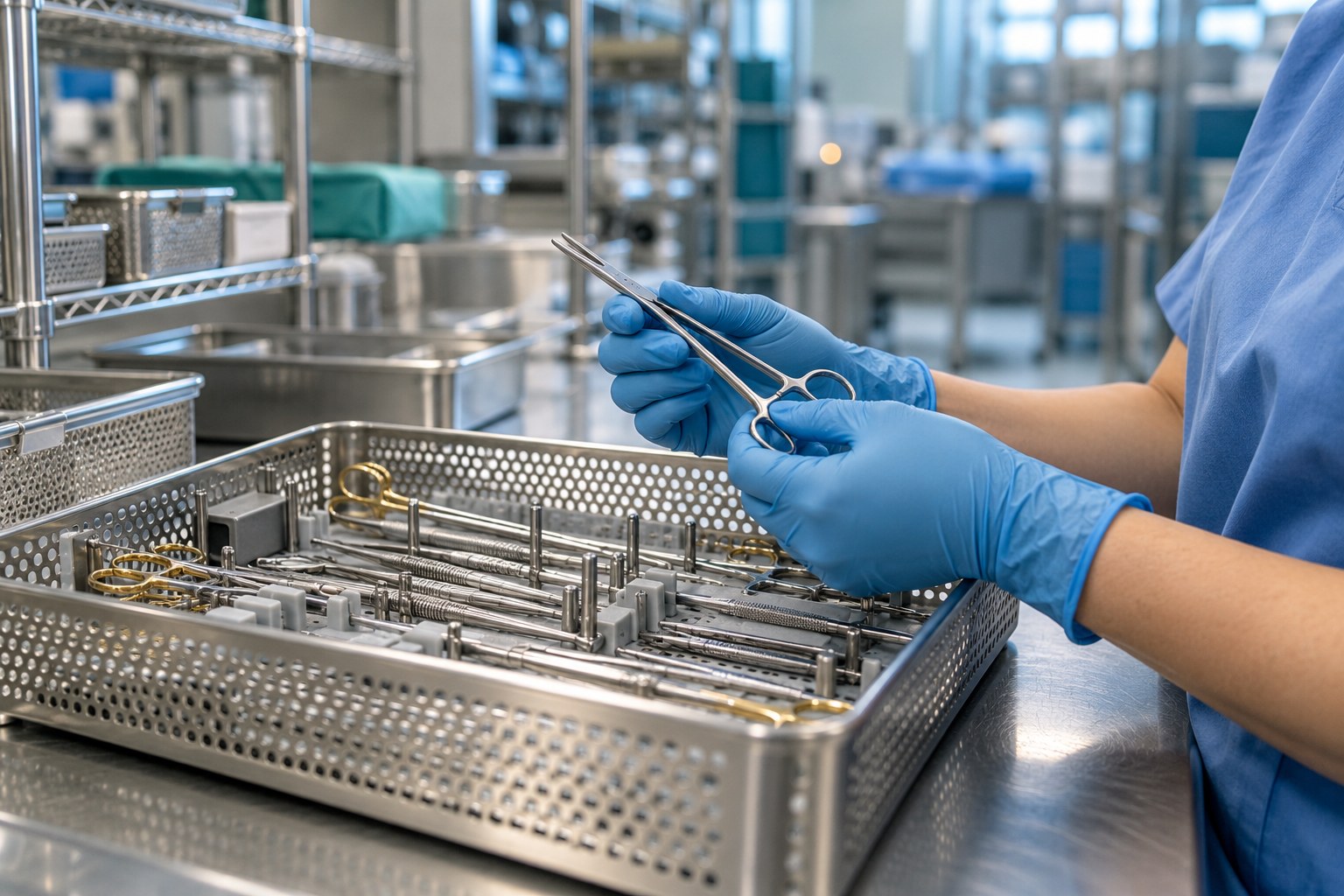 THE PEOPLE BEHIND PATIENT READINESS
Readiness depends on many handoffs. SurgiDat links the work behind each tray, helping teams see the status, follow the process, and find the record.
See assembly lifecycle and stock location, then pick identified trays to the surgical case.
Follow missing items, quarantine results, unavailable kits and purchasing exceptions.
Connect assembly identification with processing loads, stock locations and case allocation.
Start with the work your team does every day. Explore how SurgiDat supports the people who keep instruments and cases moving.
Counts, loads, release and distribution.
For sterile processing →02 / OR TEAMSPreference card management, case picking and immediate return counts.
For surgical teams →03 / LEADERSHIPExceptions, activity and traceable records.
For hospital leaders →Connect maintenance by use, missing-item management and immediate OR-to-decontam counts with preference cards and stock control.
Follow configured maintenance counters and warnings, record repairs and review costs. Plan service with visibility into use and availability.
Record missing instruments, follow exceptions into purchasing and assess avoidable replacement costs. Keep the shortage connected to the operational record.
Capture immediate return counts directly from the OR into decontam. Reconcile discrepancies sooner to help reduce lost items and support retained-item risk reduction alongside the surgical count process.
Manage surgeon and procedure requirements, kit quantities and case picking. Keep the planned requirement distinct from the assemblies actually picked.
Track lifecycle status and stock locations, scan distribution and moves, and perform location stocktakes before filling case requirements.
Review losses, repair spend, emergency purchases and time spent resolving discrepancies. Establish a facility baseline and measure changes rather than assuming savings.
Extend the operational picture with the mobile app, sterilizer printout capture, and loan-set shipping and receiving.
Explore mobile use and sterilizer printout capture.
Explore mobile & capture →LOAN SETSConnect loan receiving, processing and the return handoff.
Explore the platform →OPTIONAL PHOENIX IIOTMachine monitoring plus temperature and humidity reporting.
Explore optional monitoring →The kit identifier tells you which physical kit you have. The assembly UID tells you which specific packing lifecycle you are tracing. Each newly packed kit receives a unique assembly UID.
The physical child kit retains its kit identity.
Packing → load → release → location → case → decontam
A new assembly UID follows the next journey.
Illustrative identifiers. Case and patient links depend on recorded case allocation.
See what this means for audit and tracing →Tray contents, scope storage, maintenance, missing instruments and purchasing are part of the same operational story. Bring them into the conversation.
Discover the platform →Let’s walk through your process, your pressure points,
and what a connected workflow could look like.